
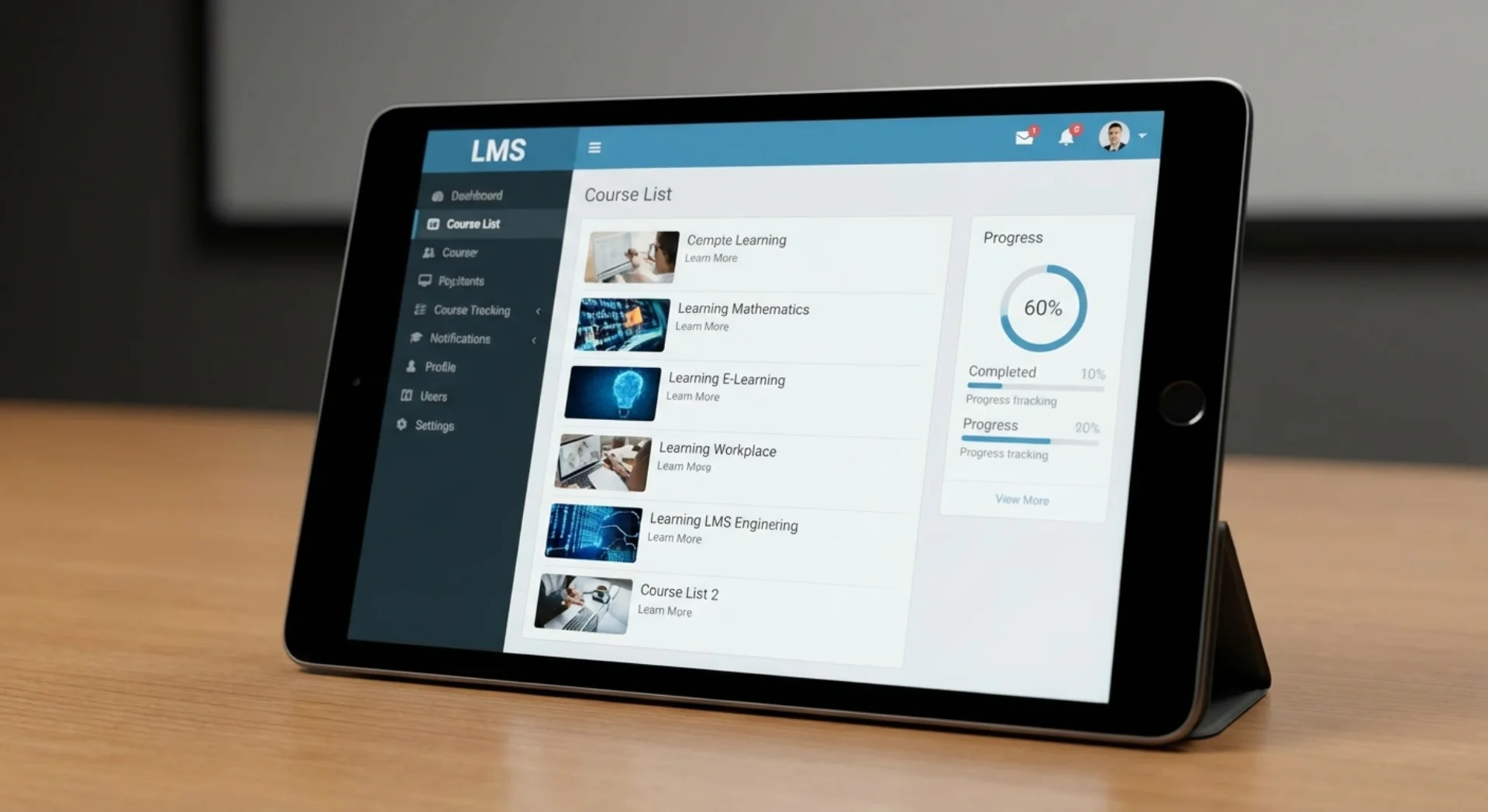
Education & learning
Adaptive learning apps with an AI tutor, language exercises and personalised quizzes that adjust to each learner's level.
Your goal
Be visible where AI answers
Automate processes
Build a product
Put AI agents to work
Connect and modernize systems
Know where we stand
Use Cases
CRMStrengthen customer relationshipsPopularE-CommerceBoost online revenueBooking System24/7 appointment bookingProject ManagementCoordinate teamsInvoicingGet paid fasterAnalyticsData-driven decisionsGuide
You build an AI app in five steps: define the problem, choose the right model and architecture, test a prototype, develop the MVP and learn from real usage data after launch. This guide from Context Studios, an AI-native development studio in Berlin, explains the building blocks, technologies and common mistakes.
Fixed price after scoping · proposal within 48 h
Last updated:
Building an AI app means embedding a language model such as Claude, GPT or Gemini as a core component in a web or mobile application. Besides the interface, it needs an orchestration layer, context management, guardrails against errors and usage analytics so the app runs reliably, quickly and affordably.
AI app developmentMVP developmentAI assistant developmentAI development process
Six components that decide whether your app succeeds
The heart of every AI app: an orchestration layer that manages prompts, provides context and chooses the right model for each request. We use LangGraph for complex flows and direct API calls for simple interactions.
Nobody likes waiting long for an answer. Streaming displays the response piece by piece and creates a sense of speed, like a conversation partner answering in real time.
Good AI apps remember previous interactions. We implement session management, conversation memory and, if desired, long-term user profiles, GDPR-compliant and with a deletion concept.
Language models can hallucinate, so guardrails are essential: they filter inappropriate content, check facts against knowledge bases and show how confident an answer is.
AI apps need their own UI patterns: chat interfaces, generative previews, feedback buttons, source references and clear labelling of AI-generated content.
Usage behaviour, model quality and satisfaction are measured. The data feeds continuous improvement: better prompts, more accurate answers and higher user retention.
Clarify which concrete problem the app solves, for whom and how you will measure success. In a free 30-minute call with Michael Kerkhoff we sharpen the idea and use case.
Step 1We select the model, platform (web or native) and data connections and set out scope, schedule and a fixed price in a written proposal.
Step 2A clickable prototype with a real AI connection shows early whether users understand the solution and whether the answers are good enough.
Step 3Agile development with weekly demos, production-ready code and automated tests. Goal: a usable MVP in about 8–12 weeks.
Step 4Release as a web app or in the app stores, then analysis of real usage. 30 days of free bug fixing from final delivery; further development by agreement.
Step 5Adaptive learning apps with an AI tutor, language exercises and personalised quizzes that adjust to each learner's level.

Nutrition and training plans, coaching apps and meditation companions with dynamic content, always clearly stating that they do not replace medical advice.

Meeting assistants, email summaries, AI-assisted project planning and document analysis apps.

Design tools, content generators for social media, image editing and writing apps: generative AI as a creative co-pilot.

Support apps with a chatbot, smart FAQ systems, ticket classification and self-service portals with natural-language search.

Valuation aids, financial overviews, contract review and personalised suggestions, with regulatory notices and compliance guardrails.
Examples we can build for you
A web app explains course content, asks suitable practice questions and gives individual feedback based on a provider's course materials.
A mobile app answers questions about machines by voice or photo and draws on manuals and maintenance history, even with a weak connection.
An app answers frequent customer questions from the knowledge base, creates tickets when needed and hands over to staff.
Let's discuss in 30 minutes how your idea becomes a first usable product.
Context Studios · Kaiser-Friedrich-Str. 6 · 10585 Berlin