(01)How does the AI predict project delays?
Our AI analyzes task dependencies, team velocity, historical completion patterns, and resource allocation to identify risk signals. It compares your project against historical data from similar projects to spot patterns that typically lead to delays.
(02)Can we disable AI features if we prefer manual control?
Absolutely. Every AI feature can be toggled off. You can use pure manual project management or selectively enable features like risk detection or automated status reports based on your team's preferences.
(03)What happens when AI risk predictions are wrong?
AI predictions are suggestions, not mandates. Project managers always have final say. The system learns from outcomes—when predictions don't match reality, it adjusts its models. You can also provide explicit feedback to improve accuracy.
(04)Which project management methodology (Agile, Waterfall, Hybrid) should we choose?
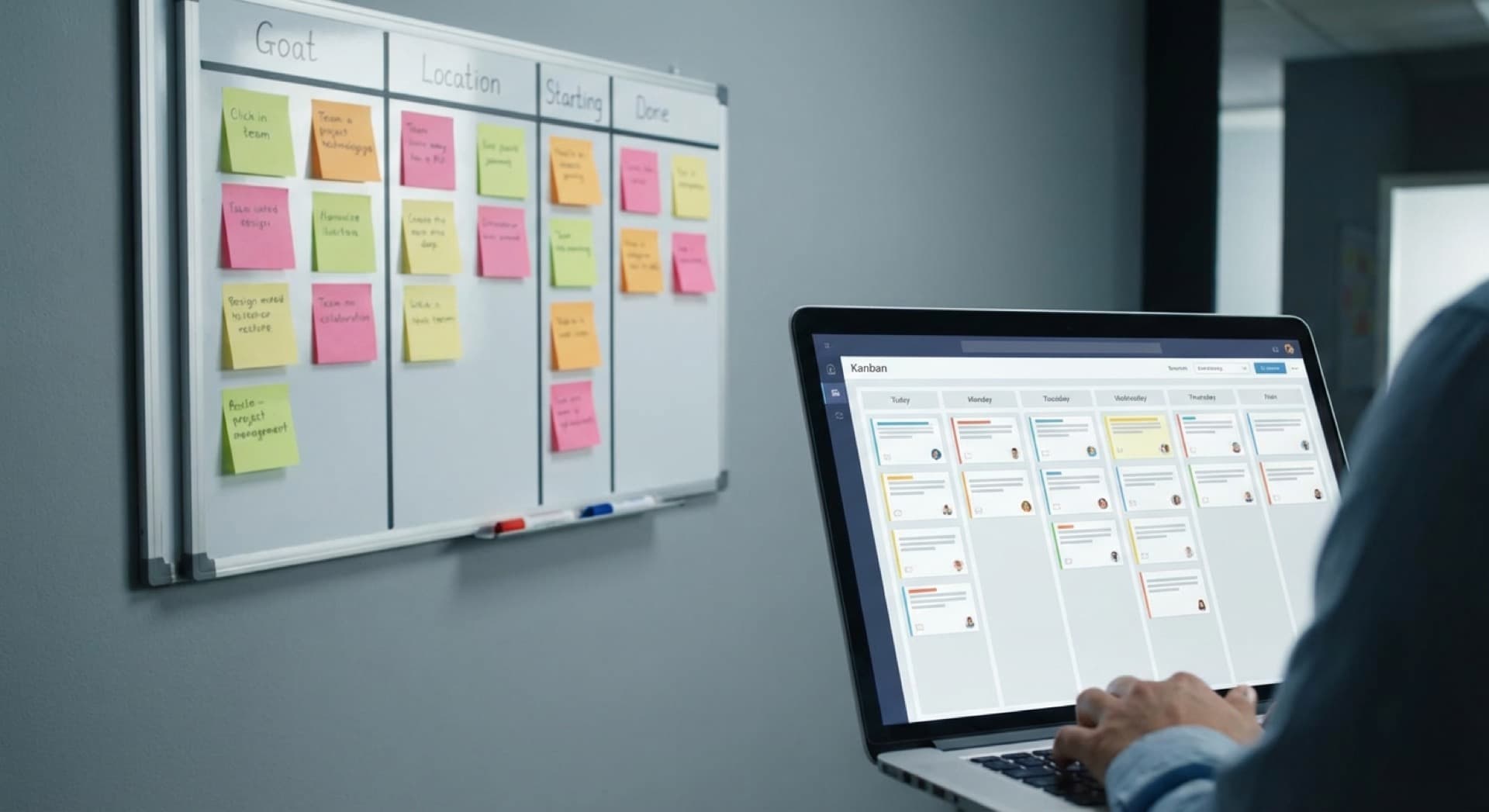
Methodology choice depends on project type and organization. Waterfall (classic, linear): suitable for projects with clear requirements and few expected changes – e.g., construction, hardware development, compliance projects. Advantages: detailed upfront planning, clear milestones, simple reporting. Disadvantages: inflexible with changes, long time-to-value. Agile (iterative, Scrum/Kanban): ideal for software, marketing, product development with evolving requirements. Advantages: fast iterations, continuous feedback, flexibility. Disadvantages: requires experienced teams, more difficult for fixed-price contracts. Hybrid: combines waterfall planning with agile execution – perfect for complex projects with regulatory frameworks but iterative implementation. PM software perspective: tools like Monday/Asana support all methodologies, Jira is strongly focused on Agile. Recommendation: start with Kanban (simple, visual) and iterate to the appropriate methodology based on learnings.
(05)How do we track project costs and resource utilization effectively?
Cost and resource tracking is critical for profitability. Components: (1) Time tracking: employees log hours per task/project (tools: Toggl, Harvest, or integrated in PM software). Important: keep it simple – complicated tracking won't be used. (2) Budget management: define project budgets (hours or money), system warns at 80% utilization. (3) Resource planning: calendar view of all employee allocations identifies over-/underutilization. (4) Billable vs. non-billable: separate chargeable client time from internal tasks for true profitability insights. Advanced: forecast features show based on current velocity whether projects stay within budget. Dashboard for management: utilization by team, burn rate, profitability per project. Integration with accounting (DATEV, Lexoffice) for automatic invoicing based on logged hours. Reality: perfect tracking is utopia – following the Pareto rule of thumb, 80% accuracy for 20% of the effort is often enough.
(06)How do we prevent the PM tool from becoming an additional burden instead of help?
Tool adoption is the biggest challenge. Common mistakes: activating too many features, enforcing too granular tasks, too many required fields. Success factors: (1) Start simple: begin only with core features (tasks, assignments, deadlines) – expand gradually. (2) Training & champions: invest in onboarding, appoint tool champions per team as contact persons. (3) Clear workflows: define clear processes – when is a task created, who updates status, how are deadlines set? (4) Mobile-first: many updates happen on the go – ensure mobile app works well. (5) Integrate, don't duplicate: connect PM tool with Slack/Teams (notifications), email (task creation), calendar (deadline sync). (6) Gamification: use achievements, streak tracking for motivation. (7) Leadership buy-in: if management doesn't use the tool, nobody will. Critical: collect regular feedback and optimize workflows – a PM tool must adapt to the team, not vice versa.
Have more questions? Contact us for personal consultation.